
From Factory to Pharmacy: The Barcoding Standards That Keep Drugs Safe
December 31, 2025
How to Format GS1-128 Labels for Wholesale Food Distribution
February 26, 2026
You can print two barcodes that both label the same item, yet they look different and behave differently when you scan them. That happens because a barcode is not one universal format. A barcode symbology is the rule set behind the symbol. It defines how the symbol represents characters, how it starts and ends, how it handles errors, and what a scanner should expect when it reads the pattern.
Companies choose a symbology based on what they need the barcode to do. Some workflows need a short identifier that works at a retail checkout. Others require more encoded data, a tighter label space, or greater tolerance for label scratches or smudges.
A Plain Definition that Makes Everything Easier to Compare
Symbology Versus the Barcode You Print
Think of symbology as the language. The printed barcode is the sentence written in that language. When you change the symbology, you change the rules that determine how information is rendered as bars, spaces, squares, or modules. That change affects what you can encode, how dense the symbol can be, and what scanners can read it.
What Scanners Read to Decode Encoded Data
Barcode scanners do not guess. They look for specific patterns that tell them how to interpret what comes next. In many 1D linear barcodes, scanners rely on start and stop characters, along with defined spacing, to correctly read the remainder of the symbol. In many 2D barcodes, scanners rely on finder patterns and alignment features to locate the symbol, then decode it across rows and columns.
1D versus 2D, and what Changes Between them
1D linear barcodes
A 1D barcode stores information across one direction. You see it as vertical bars with varying widths and spaces. It works well when you need a straightforward identifier, and you have enough horizontal space on the label. UPC barcodes are a familiar example in the United States, where retail checkout depends on fast scanning and consistent formatting.
2D codes
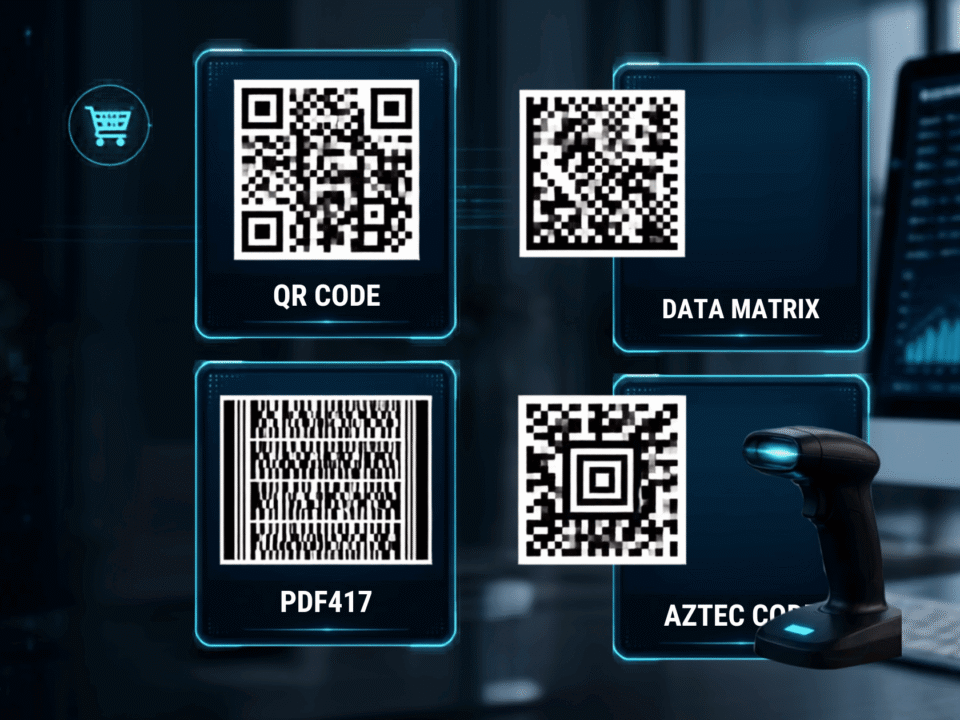
A 2D barcode stores data in two directions, usually as a square or rectangle made of small modules. That structure lets you encode more data in a smaller physical space. QR code and Data Matrix both fall into this category, but they serve different use cases depending on what you need to store and where you plan to print.
Where the most used symbologies show up
UPC barcodes in retail
UPC barcodes dominate retail because they fit checkout scanning and product identification workflows. A UPC typically carries a standardized number that references a product record in a database, rather than storing extra details in the symbol. That keeps scanning fast and keeps labels consistent across packaging.
Code 128 for high-density labels
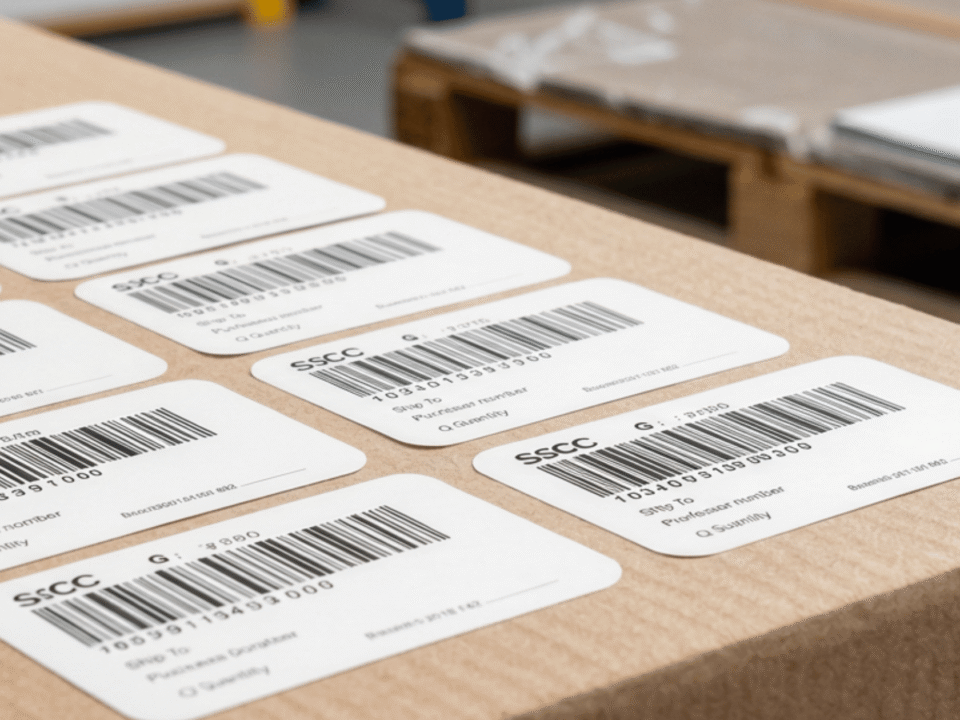
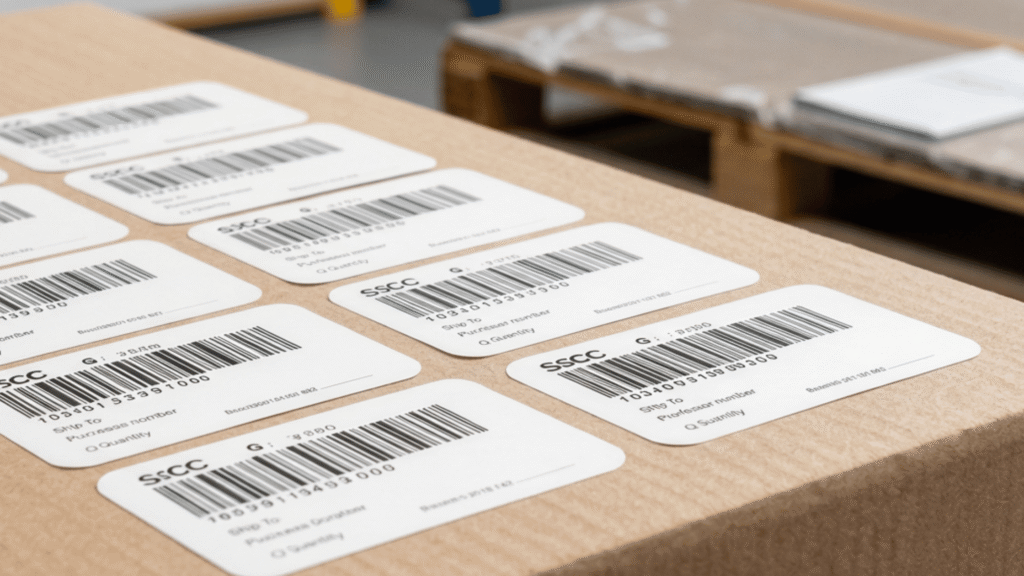
Code 128 packs more characters into less space than many other 1D options. It supports a wide character set, which helps when you need letters, numbers, and control characters within the same barcode. You will often see it in logistics, shipping labels, and internal tracking, where systems expect more flexible encoded data.
Code 39 barcodes for simpler character sets
Code 39 barcodes use a simpler character set and often show up in older industrial environments and internal labeling systems. Many organizations keep it because their processes and scanners already support it, and the labels remain easy to generate and print.
QR code for quick access and sharing
QR codes often support consumer and mobile scanning. You can encode URLs, short text, and other data that a phone can read quickly. You see it on marketing materials, product packaging, menus, and instructions because it bridges printed materials and digital content.
Data Matrix for small labels and durable marking
Data Matrix fits tight spaces and supports high density. Many manufacturers use it for small parts, electronics, and packaging, where you need a compact symbol that still carries meaningful encoded data. You will also see it in environments where labels are subject to wear and handling.
A practical way to pick the correct symbology
Start with the amount of data you need to encode
Start by listing what you need inside the symbol. Do you only need an identifier, or do you need additional characters, serial numbers, or other encoded data?. If you only need a short ID and your workflow already uses retail or warehouse scanners, a 1D linear barcode might work. If you need more information inside the barcode itself, you will often move toward 2D barcodes.
Label size and density limits
Label space drives real decisions. High density helps when space is tight, but density also increases the demand on print quality. If you shrink a barcode too far, scanners may struggle, even if the symbology supports the data. If you print on curved packaging, soft materials, or textured surfaces, you need extra care because distortion can reduce scan reliability.
Confirm what your barcode scanners can read
Scanner capability matters more than most people expect. Some barcode scanners read only 1D, while others support both 1D and 2D barcode symbology. If you plan to use QR codes or Data Matrix, confirm that your scanners support those symbologies before finalizing packaging or labels.
Check character sets and special characters
Each symbology supports specific character sets. Some handle only numbers. Others handle letters, special characters, or mixed formats. If your internal system outputs certain characters, confirm the symbology supports them so you do not redesign labels after you already built your workflow.
What makes a barcode scan accurate?
Print quality and contrast
Scanning depends on crisp edges, solid contrast, and consistent printing. Poor contrast and low-resolution printing can cause misreads. That risk increases when you print smaller symbols or when you use high-density formats.
Quiet zones and placement
Every barcode needs space around it. The quiet zone gives the scanner room to detect the barcode boundary. If you crowd the symbol with text, graphics, or tight borders, you reduce first pass scan rates. Placement also matters. Avoid folds, seams, heavy curvature, and areas that rub during shipping or handling.
Error correction in 2D symbols
Many 2D barcodes include error correction that helps scanners recover data from minor damage. That feature helps in rough environments, but it does not replace good printing. You still need strong contrast, correct sizing, and proper placement.
When standards decide the symbology for you
Sometimes you do not get to choose freely. Retail packaging, supply chain labels, and regulated environments often rely on standards that specify acceptable symbologies and data formats. If you sell through major retailers, ship through certain networks, or label products for specific industries, confirm the requirements early so you do not waste time producing the wrong barcode type.
Quick answers to common barcode symbology questions
What is the difference between a barcode and a symbology?
A barcode is a printed symbol. Symbology is the standardized set of rules that defines how a symbol represents data and how scanners decode it.
What is the best barcode symbology for inventory?
It depends on what your systems and scanners support, and how much data you need to encode. Many inventory workflows use Code 128 or similar 1D options for flexibility. Some operations use 2D barcodes to store more data in less space.
Do you need 2D barcodes or 1D linear barcodes?
Choose 2D when you need more encoded data, limited label space, or stronger error handling. Choose 1D when you need a simpler identifier and your workflow already supports it widely.
Can your scanner read QR codes or Data Matrix?
Check the scanner model and specifications. Many modern scanners support both 1D and 2D, but some environments still use 1D-only devices.
Why does your barcode scan sometimes and fail other times?
Inconsistent scanning usually comes from print quality, size, quiet zones, placement, or damage. Fixing those issues often improves reliability more than switching symbologies.
Ready to Print? AccuGraphiX can help your Business
Once you choose a barcode symbology, you still need a barcode that matches your real packaging and your scanners. That means the right encoded data, the right size, the right quiet zones, and clean output files that printers and label workflows can use without surprises.
AccuGraphiX helps you move from a barcode decision to a finished result. If you tell our team what you are labeling, how much data you need to encode, your label size, and what barcode scanners you use, we can point you to the right symbology, create print-ready barcode artwork for packaging, and help you confirm scan performance before you commit to a full print run.