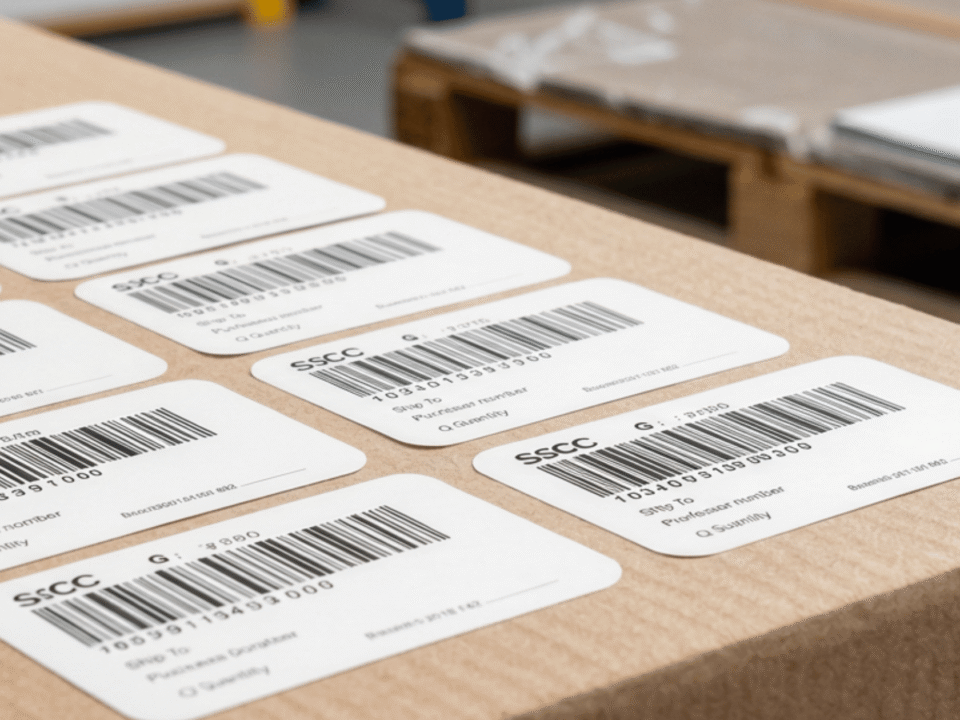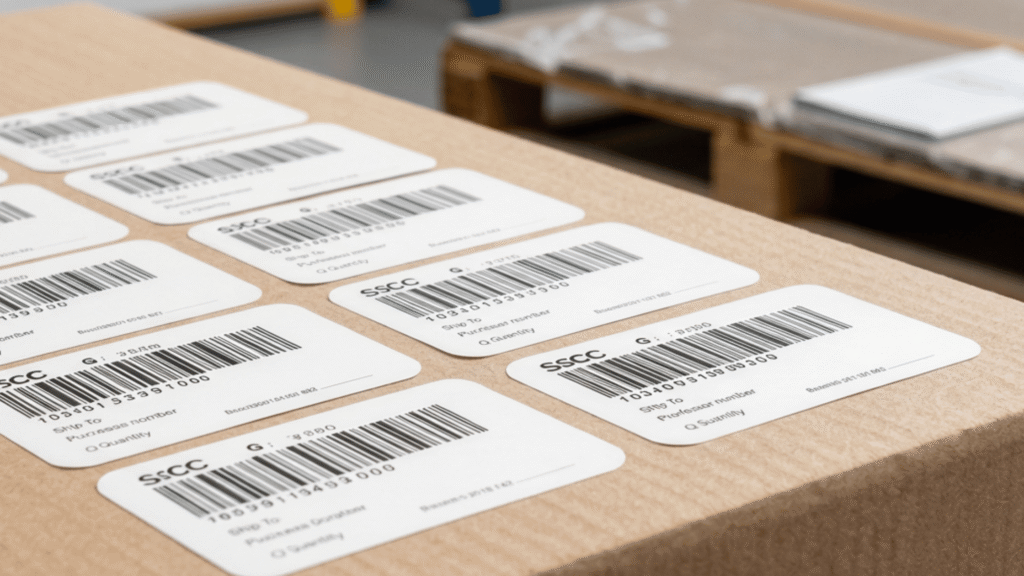

Understanding How GS-1 128 Barcodes Track Shipments and Logistics Data
March 25, 2026
FSMA 204 Traceability Lot Code Requirements for Food Packing Operations
May 19, 2026
After finishing your product development, the focus shifts to packaging. Making sure your packaging meets industry standards is key to market recognition. An important factor is including barcodes, which help with inventory and sales tracking. Knowing the rules for barcode use can make compliance easier and prevent legal problems. Let’s look at some best practices for adding barcodes to your product packaging effectively.
What a Barcode Actually Does?
A barcode that links to a global database. When a barcode reader scans the information, the system will pull up detailed information linked to the product. This includes product name, price, and supply chain data.
The most common type of barcode used in retail is the Universal Product Code (UPC). UPC barcodes are 12-digit codes tied to a Global Trade Item Number (GTIN). That number travels with your product from the warehouse shelf to the checkout line. Barcodes keep the entire supply chain running.
Who Oversees Barcode Number Management?
All GS1 barcodes are issued under a license. As a result, you will not own the barcode outright. Instead, you will have a license to use it. You will not be able to sell, transfer, or share it with another business.
Is Creating Your Own Sets of Barcodes Legally Permissible?
Creating a barcode without proper authorization and placing it on products you intend to sell carries significant risks. The number could inadvertently match a barcode used by another company. If that occurs, you could face legal action from the other brand or GS1. Using a counterfeit online barcode that conflicts with a registered product is not just a technical mistake; it may be considered intellectual property infringement or fraud. Large brands with established supply chain systems can quickly identify duplicate codes, which is why it’s important to avoid this risk.
When Can You Create Your Own Barcodes?
Do you plan to use the barcode internally? If so, it is fine for you to go ahead and create your own barcode that works within your system framework.
Make sure that the product is not sold through retail channels. The use of distributors or listing the product on any online marketplace is also prohibited. However, the barcode may be used for internal tracking. These proprietary codes should link to your internal database in order to avoid conflicts with GS1. This is possible because your barcodes are not accessible externally.
Common barcode formats suitable for internal use include Code 39 and Code 129.
Risks of Using Unregistered Barcodes
Skipping proper barcode registration creates problems that quickly surface. Retail barcode scanners may not recognize your product, or they may pull up details for a completely different item. When that happens, retailers are unable to process some of their sales. Many of them will remove your product rather than deal with checkout errors or inventory mismatches.
There is also a deeper risk tied to how barcode systems work. A randomly created code can match a UPC that already belongs to another company. That conflict spreads through ordering systems, warehouse records, and point-of-sale data. Your product may be linked to another brand’s information without you realizing it. When this occurs, the company that owns the code may take legal action to protect its product identification. Registration keeps your product tied to the correct data and avoids these issues.
How to Obtain Verified Barcodes
The process begins when you create an account with GS1 US. This connects your business to the principal system used by retailers and distributors.
- Create an account with GS1 US. This gives you access to the official barcode registry used across retail and e-commerce systems.
- Purchase a company prefix. This prefix becomes the base for all your product codes and ties each item back to your business.
- Assign a unique barcode number to each product. Every variation, including size or color, needs its own identifier to avoid scanning errors and inventory issues.
- Generate your barcode using the GS1 Data Hub. This confirms that the barcode format meets industry standards and is compatible with retail systems.
- Consider working with a GS 1 US solutions partner, such as AccuGraphiX, for barcode artwork and label preparation, especially if you are producing packaging in large quantities.
Final Words
You can create your own barcode for internal use, but that approach no longer works once your product enters the market. Retail systems rely on standardized, registered codes to track inventory, process transactions, and maintain accurate records. Using unregistered codes disrupts that process and introduces avoidable risk.
If you plan to sell, distribute, or list your product outside your own system, you need a properly registered barcode. It protects your product identity and keeps your operations in compliance with industry standards.
Have questions or wish to learn more about how AccuGraphiX can help you stay compliant?
Contact us today.